Complete driver qualification files, without chasing drivers
GettingDocs is driver qualification file software that gets every CDL driver’s DQ file complete before the first dispatch. Amy asks each driver for what they still owe over WhatsApp or email, from the CDL and DOT medical card to the signed Clearinghouse consent, checks each file as it arrives and files it on their record in your ATS. The file your carrier client reviews is complete, not one medical card short.
Thanks, Amy · Crossroads Driver Staffing
A DOT audit finds one driver file missing a medical card. That’s a violation, not a paperwork delay.
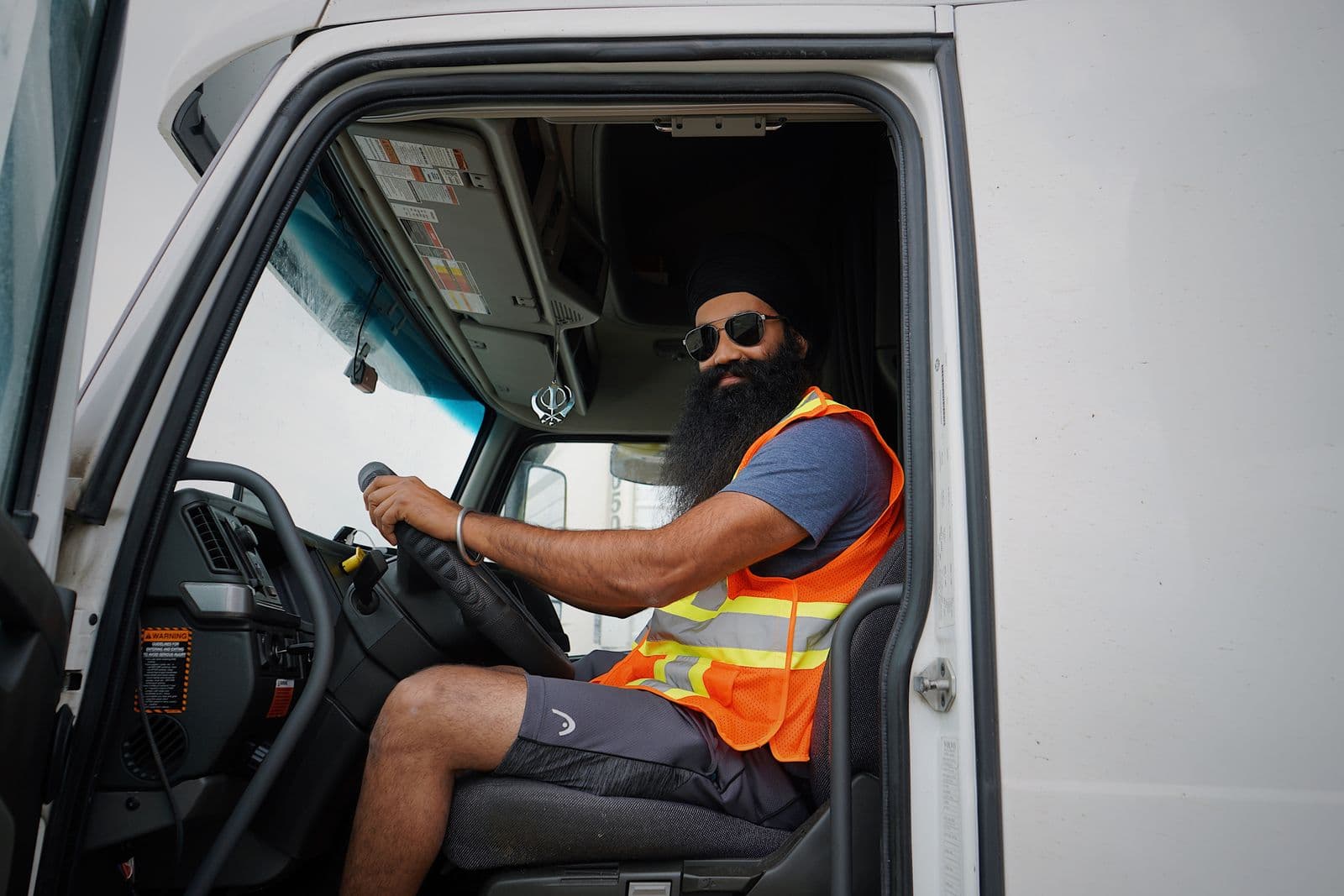
A carrier client needs a Class A driver on a dedicated route starting Monday. Their safety manager will not dispatch anyone until the DQ file is complete, from the ten-year employment application to the medical card and a signed Clearinghouse consent. Here is the same week, twice.
- Tuesday
The driver accepts the route. A recruiter emails a 16-item DQ checklist as an attachment.
- Tuesday night
She sends a photo of her CDL, front only. The back, with her endorsements, can wait.
- Wednesday
Her medical card goes to a recruiter’s cell phone. It never makes it into the file.
- Thursday
The Clearinghouse consent sits unsigned in an email she never opened, so the carrier cannot run its query.
- Friday afternoon
The carrier’s safety manager reviews the file: no medical card, no CDL back, no consent. She is not dispatched.
The route starts Monday with another driver. Your placement is gone, and the carrier remembers who sent an incomplete file.
- Tuesday
The placement shows in your ATS. Amy picks it up and messages the driver on WhatsApp with the 16 items she still owes.
- Tuesday night
CDL front and back arrive and are filed on her record the moment they land.
- Wednesday
Her medical card comes straight back to Amy, not to anyone’s phone, and is filed with the rest.
- Wednesday night
The MVR photo is cut off at the edge, so Amy tells her why and asks again. A full PDF arrives within the hour.
- Thursday
The signed Clearinghouse consent is in. The carrier runs its query and the complete file goes to its safety team.
She runs the route Monday with a complete file behind her. Nobody on your team sent a single reminder.

Three steps, and nobody chases anybody
When a driver is placed, Amy messages them on WhatsApp or by email from your own domain, wherever they are parked. The message lists only what their DQ file is still missing. No portal, no login and no app to download.
Every file is filed the moment it arrives, then Amy opens it. A CDL photographed without the back, or a medical card too blurry to read, goes back with a clear reason, and she keeps reminding the driver on your schedule until everything is in.
Documents are attached to the driver’s record in Zoho Recruit, Recruit CRM or Crelate, and to Google Drive if you want a copy there. Your team sees whose file is complete and whose is stuck.
- CDL, front and back
- DOT medical card
- Motor vehicle record
- Clearinghouse consent
- Pre-employment drug test
No portal, no login. Only what is still missing is ever asked for.
The FMCSA driver file checklist Amy collects
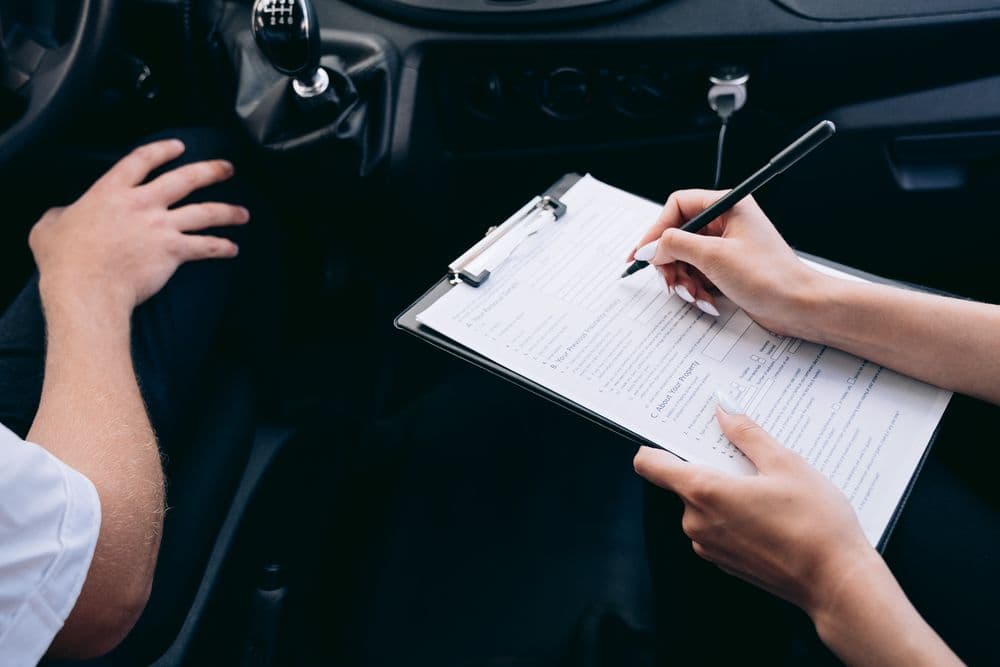
Carriers add their own forms, but the core of a driver file is set by 49 CFR 391.51. Choose a route type to see a typical packet, and Amy asks each driver for exactly those documents.

DQ file documents6 of 6 documents
- Employment application (3 years of employment history, 10 years for CDL drivers)
- Motor vehicle record (MVR) from each state licensed in (obtained by you or the driver)
- Road test certificate or equivalent
- DOT medical examiner’s certificate (medical card)
- Annual MVR review (when the yearly review comes due)
- Skill performance evaluation certificate or medical exemption (where applicable)
CDL, endorsements and TWIC4 of 4 documents
- Commercial driver’s license (CDL), front and back
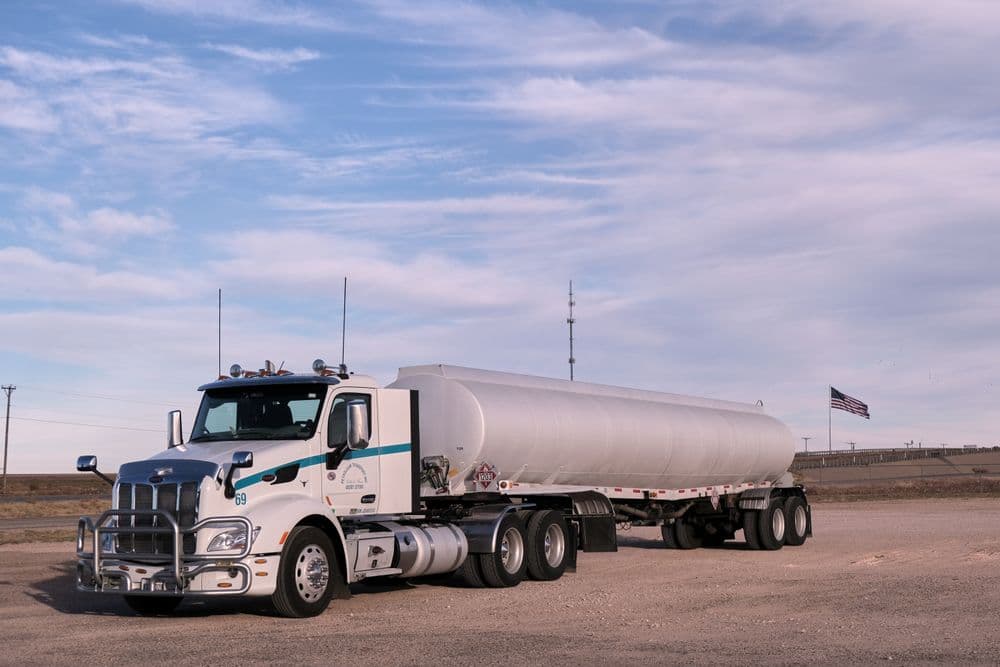
- Hazmat and tanker endorsements (shown on the CDL)
- Doubles/triples endorsement (shown on the CDL)
- TWIC card (for port work)
DOT drug and alcohol records3 of 3 documents
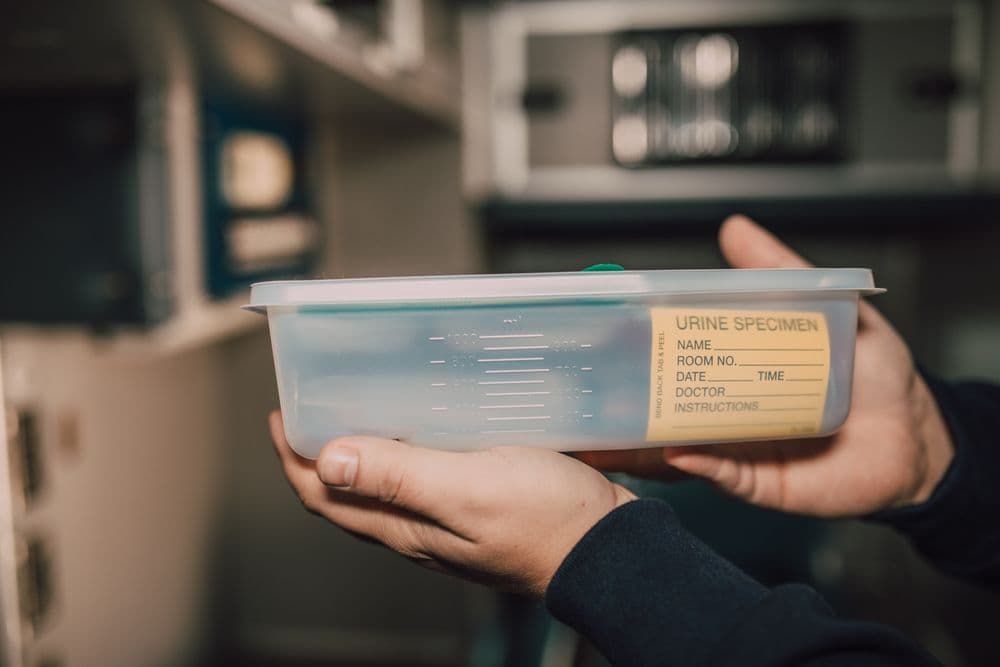
- Pre-employment drug test result
- FMCSA Drug and Alcohol Clearinghouse consent (signed by the driver, so you can run the query)
- Previous employer drug and alcohol history request (the driver’s signed release)
Driver onboarding paperwork5 of 5 documents
- Form I-9 and identity documents
- Form W-4
- Direct deposit form
- Form W-9
- Safety policy acknowledgments
Form I-9, W-4, driver’s license and drug test consent come built in. DQ file items such as the medical card, MVR and Clearinghouse consent are set up once as your own document types, named the way your carriers name them, and Amy learns the names drivers give their files.
CDL driver staffing onboarding for every kind of route
The documents change with the work. Chase rules in your ATS decide who is chased and for what, so each route type gets its own list.
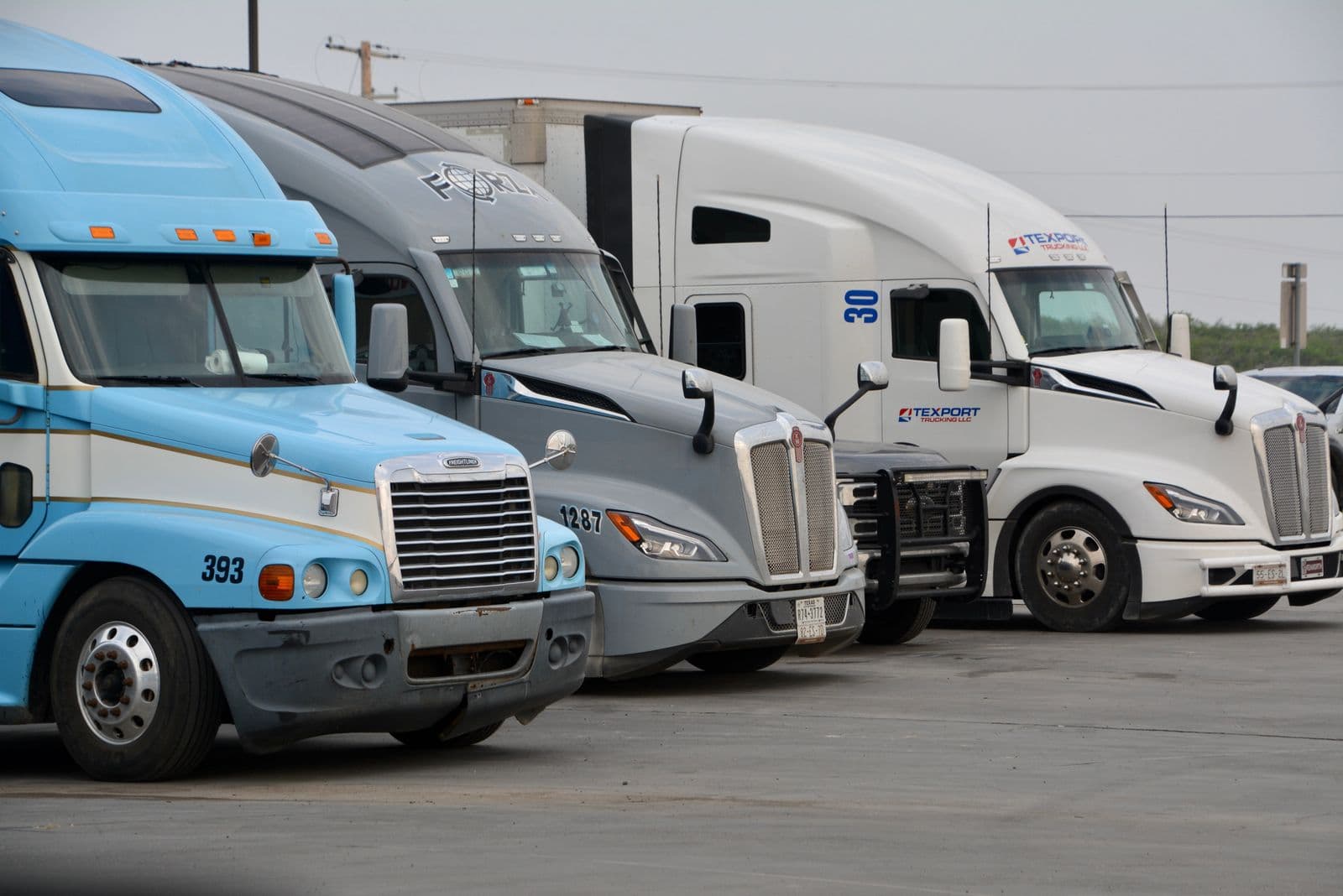
Dedicated routes
Drivers placed on one customer’s lanes with a fixed start date. Amy starts chasing the day the placement shows in your ATS.
Over the road and regional
Long-haul and regional drivers who are rarely near an office. They reply from the cab with a photo or a PDF.
Hazmat and tanker
Drivers whose placements depend on endorsements on the CDL. Amy asks for the back of the license, where the endorsements are printed, not just the front.
Port drayage
Container moves in and out of port terminals, where drivers also need a TWIC card before they can get through the gate.
Owner-operators
Owner-operators leased to a carrier still need a complete DQ file. Their list can skip the payroll forms and ask for a W-9 instead.
Documents land in the ATS you already use




CDL drivers staffing questions
What goes in a driver qualification file?
Under 49 CFR 391.51, a DQ file holds, among other items, the driver’s employment application, the MVR from each state where they held a license in the past three years, the road test certificate or equivalent, the DOT medical examiner’s certificate, the annual review of their driving record, and a skill performance evaluation certificate or medical exemption where one applies.
What is on a CDL driver onboarding checklist?
The DQ file items above, plus the CDL front and back with its endorsements, a pre-employment drug test result, the signed Clearinghouse consent, a previous employer drug and alcohol history request, a TWIC card for port work, and the Form I-9, W-4, direct deposit and safety policy forms.
How do we track DOT medical card expiration?
GettingDocs does not track expiry dates itself. Keep the medical card’s expiry date on the driver’s record in your ATS. When that field shows the card is due, a chase rule asks the driver for the new one and files it on their record when it arrives.
How do staffing agencies manage DOT compliance?
The motor carrier, or your agency when it acts as the employer, stays responsible for the DQ file and every compliance decision. GettingDocs handles the part that takes longest: getting each document in from the driver, checked for readability and filed, so your safety team starts with a complete file instead of a half-finished one.
Does GettingDocs pull MVRs or run Clearinghouse queries?
No. GettingDocs does not pull MVRs, run Clearinghouse queries, conduct road tests or run drug tests. It collects the MVR that you or the driver obtain, the signed Clearinghouse consent, the road test certificate and the test results, and checks each one is the right document and readable.
Which applicant tracking systems does it work with?
Zoho Recruit, Recruit CRM and Crelate today, with Greenhouse coming soon. Documents are attached to the driver’s record in your ATS, so your team keeps working where it already does.
Get every DQ file complete before the first load
See Amy collect a driver qualification file from one of your own drivers on a 15 minute call.